Reviews
Collect 5-star reviews after every job and show them on your booking page.
3 min read · 2 sections
On this page
Your review link#
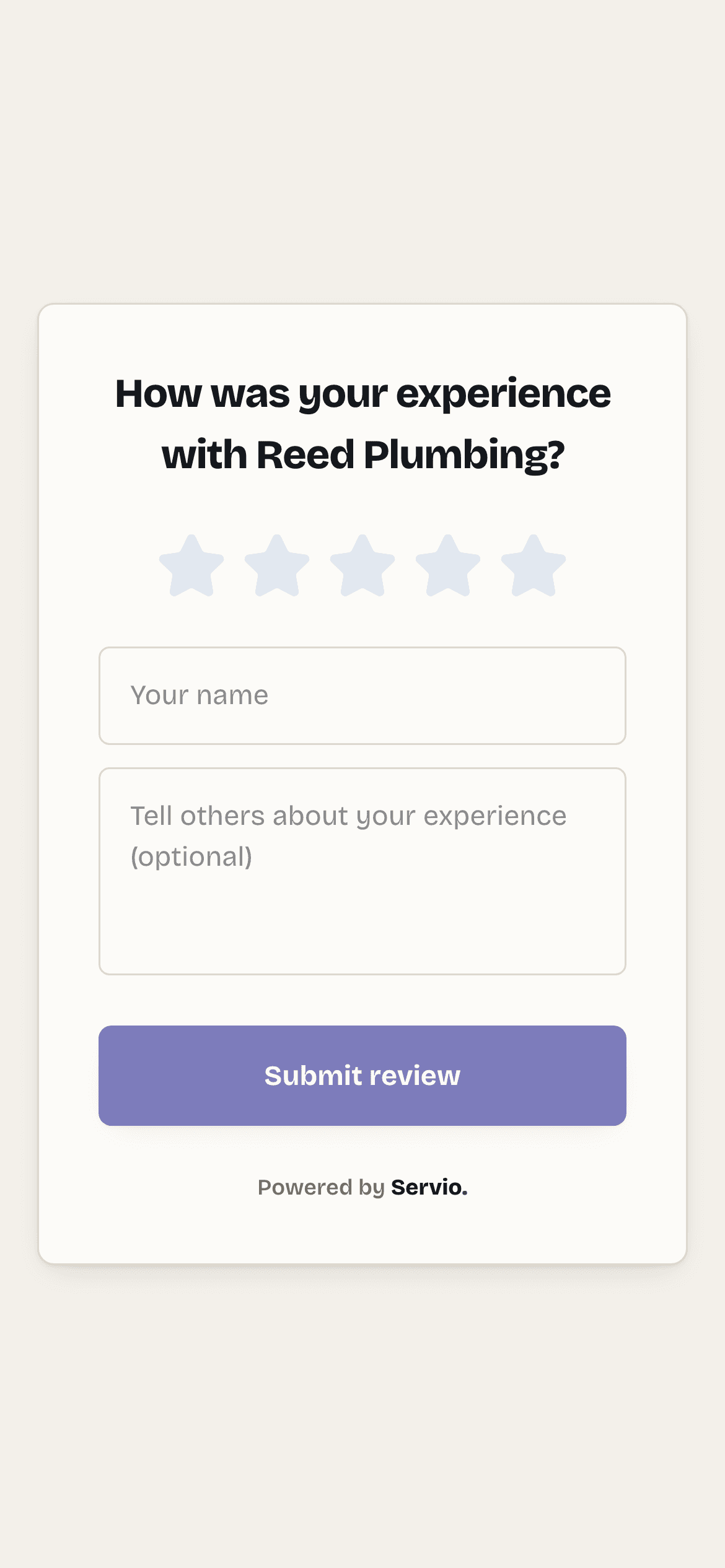
Your review link is servio.fit/b/your-business/review. It opens a one-screen form: tap the stars, type a sentence, send. Reviews show on your booking page immediately.
Ask every time#
- Automatically: when you mark a job done, Servio emails the customer a review request for you.
- By text: copy the review link from the home screen (or the iPhone app under More → Your links) and text it as you leave. "Thanks again — would you mind leaving a quick review? [link]" works.
All reviews are listed under Reviews, newest first, and your 5-star count feeds the Business Health score on the home screen.
Didn't find what you needed?
Email support@servio.fit — tell us what you were trying to do and we'll answer the same day.