Leads
People who asked a question but haven't booked yet — reply fast and turn them into customers.
3 min read · 2 sections
On this page
What a lead is#
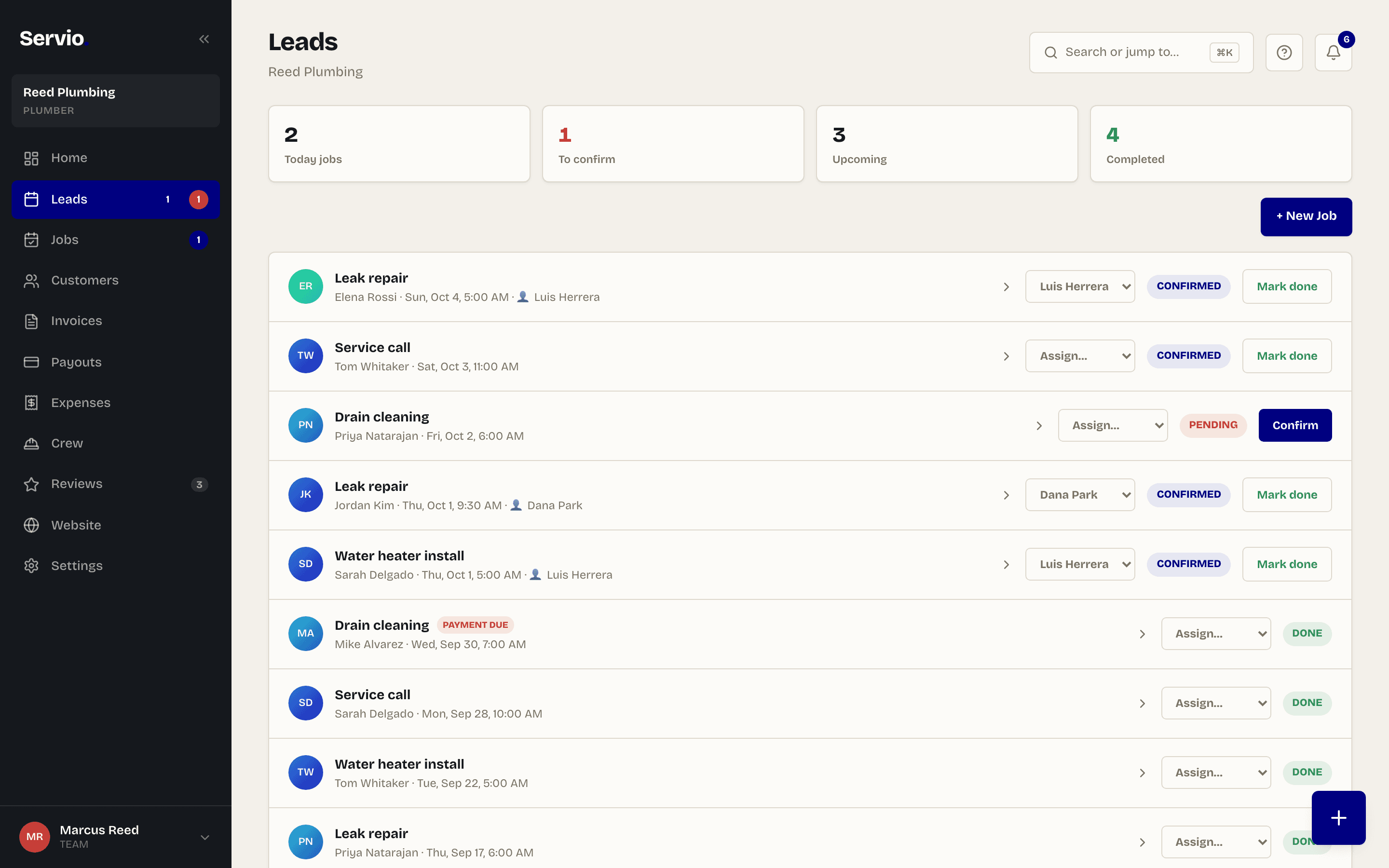
A lead is someone who used the contact form on your booking page instead of booking — "do you do gutters?", "can you come Saturday?". Every one lands in Leads with their name, phone, email and message.
Work a lead#
- 1Tap Call or Email right from the lead.
- 2Tap Mark contacted so you remember you replied.
- 3When they book, tap Won → Add customer. They move to Customers and you can add their job.
- 4If it fizzles, tap Lost. It stays in the list so you can follow up later.
Tip:The number next to Leads in the menu is how many are waiting for a reply. Keep it at zero.
Didn't find what you needed?
Email support@servio.fit — tell us what you were trying to do and we'll answer the same day.